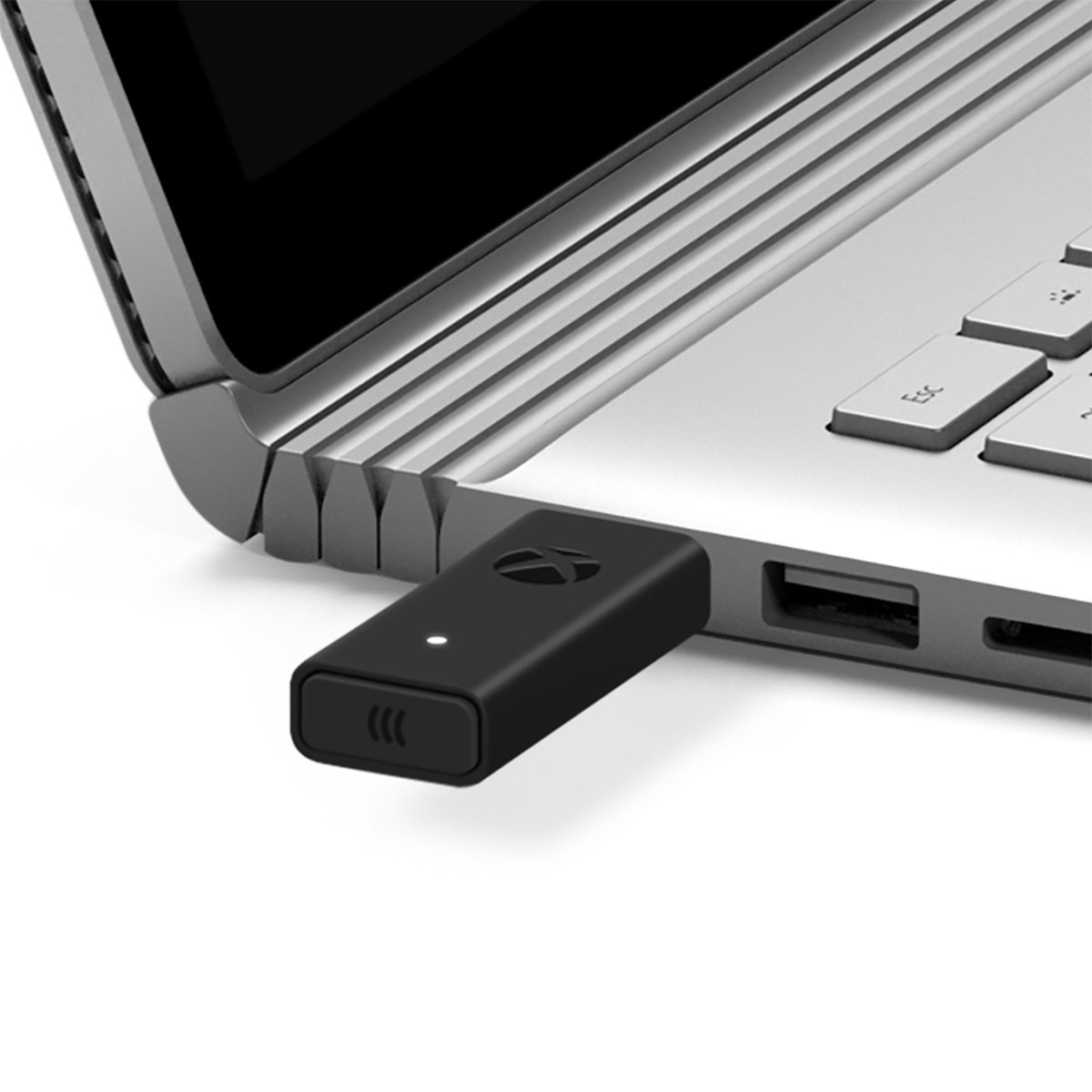
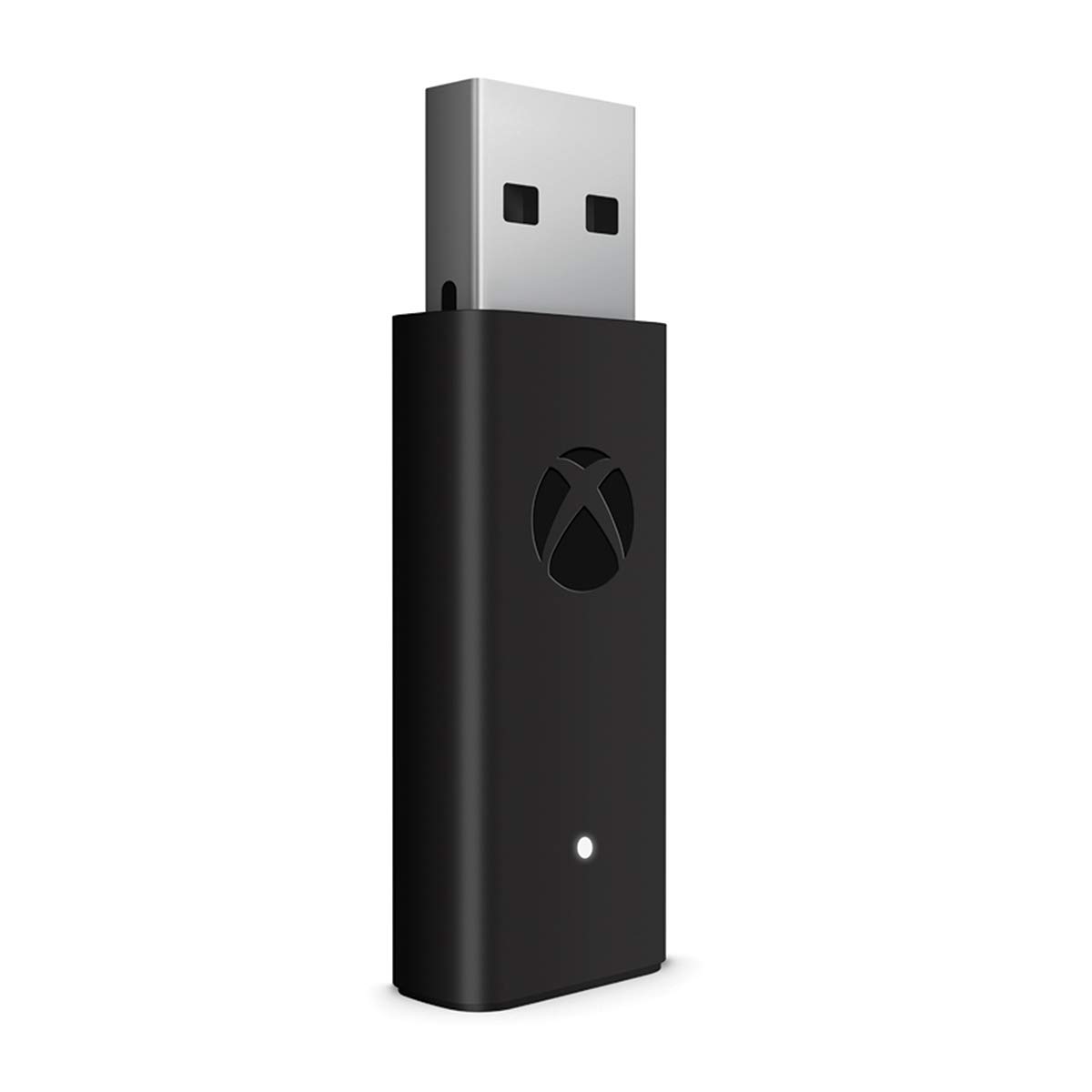
Microsoft Xbox Wireless Adapter for Windows 10
Product Highlights
This product is currently out of stock. Click "Notify Me" to get an email when it's available again.
Description
Network transfer lets one Xbox console copy games and apps from another console, so long as they’re on the same home network. Copying this way can be faster than downloading another copy of the same game or app. If you have a metered internet connection, this can also save you money.
Any Xbox One (original Xbox One, Xbox One S, and Xbox One X) can be either the source or the destination console.
- On the Xbox you want to copy from, go to Settings > Network > Network transfer and check the box to allow network transfer. This makes that Xbox visible to other consoles on the same network.
- Once you’ve allowed transferring from the “host” Xbox, turn on the console onto which you’ll be copying games and apps, and go to the same settings page. Your host Xbox should be listed.
- Select the Xbox you want to copy from, choose the items to copy, then select Copy selected.
Recommended Products
No recommendations available at the moment.

Contact us
Address: Shop no.3, Grover Mansion, 91 Mint Road, Ballard Estate, Fort, Mumbai - 400001
Phone: 022 4924 5872
Email:
letsplay@mcubegames.in
mcubegamesindia@gmail.com
© Copyrights 2025 McubeGames - All Rights Reserved